



TonySpins App
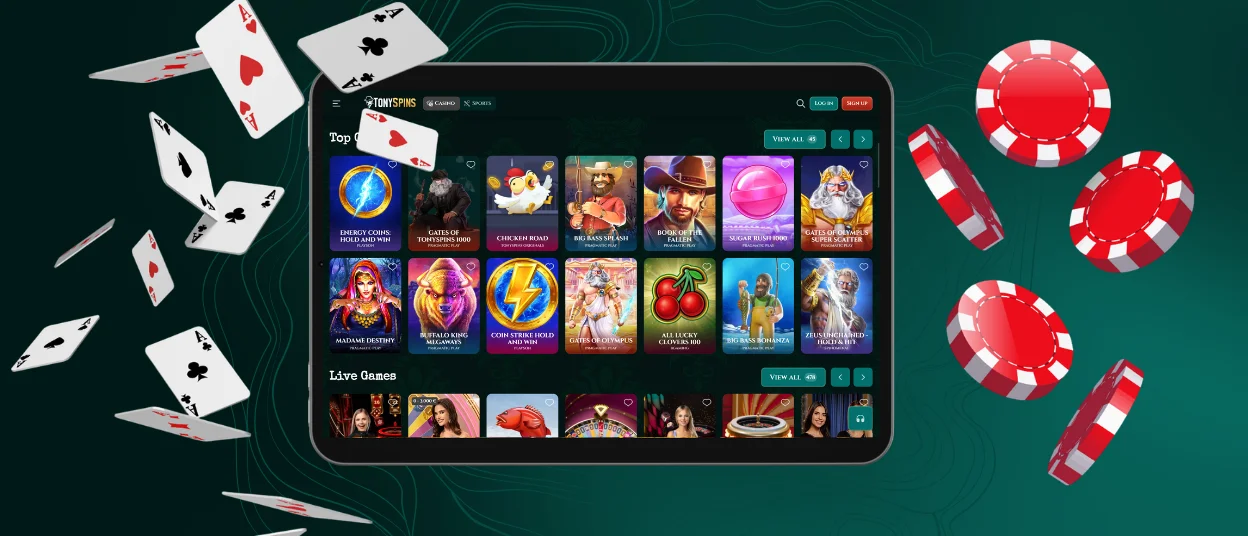
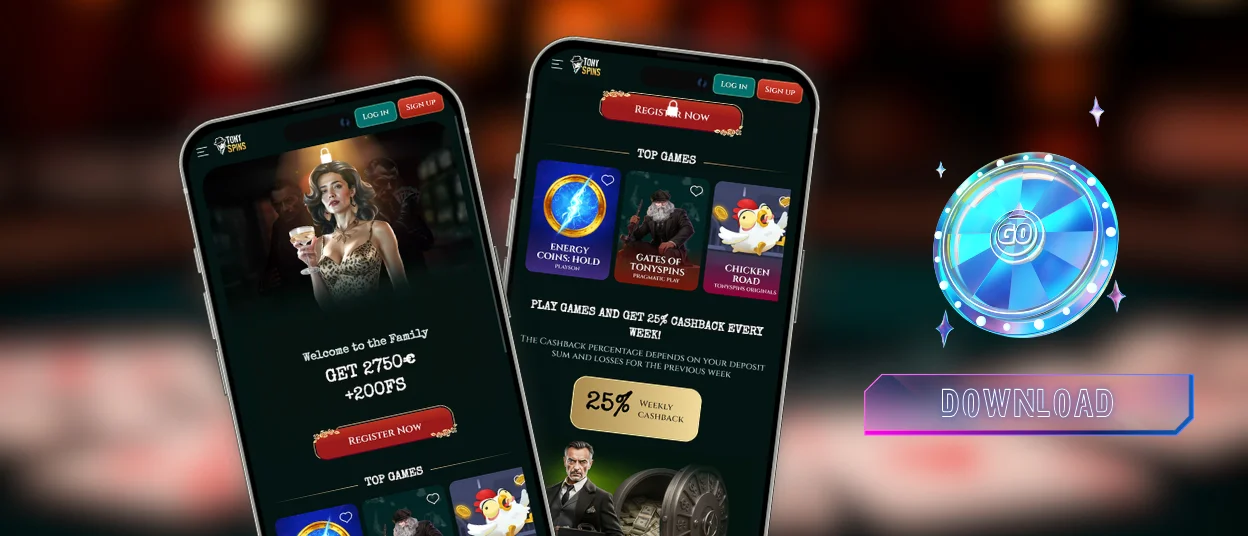
When putting the TonySpins app on your home screen, you get the casino with just one tap. It’s a Progressive Web App that you can download from the website. This means that you don’t have to go through an app store or download any files from outside sources. It also doesn’t take up any phone storage. Because it uses cached data, the app opens faster and offers everything that the desktop version has.



Main Features of TonySpins App
The app offers all the same features as the browser version, but still, they are not identical experiences, as TonySpins Casino can be used differently in various situations.
| Feature | Browser | Tony Spins App |
| Login speed | Credentials entered manually every time | Face ID or fingerprint unlocks in under two seconds |
| Screen mode | Browser tabs and address bar visible during play | Native full-screen |
| Push notifications | Not available | Fully configurable – tournament alerts, bonus drops, reminders |
| Updates | Cache clears manually or sessions feel stale | Updates automatically in the background on each launch |
| Verification | Works, but uploading documents requires a file transfer if photographed on another device | Camera access lets you capture, review and submit from one device |
| Online slots and live casino on the go | Works on mobile data | Same experience |
TonySpins Android App
There is no TonySpins APK. When you get APK files from outside sites, you run the risk of getting malware, having your device behave in ways you can’t predict afterwards. TonySpins Casino PWA format doesn’t do any of that. Installation happens in the browser, so nothing comes from outside, and the connection stays encrypted the whole time.
If you want to get the app onto an Android device, it takes about a minute through Chrome:
- Open the casino website in Chrome.
- Tap the menu in the top-right corner of the browser.
- Select “Add to Home Screen” from the dropdown.
- Rename the shortcut if preferred, then confirm by tapping “Add.”
- The Tony Spins app icon appears on the home screen and the casino is ready to launch.
After that, our casino can be opened like any other app. As soon as you log in, you can access the full library of games, your account page, make payments, and get help.
TonySpins App on iOS
The download is done through Safari on the iPhone and iPad. Other iOS browsers don’t have the “Add to Home Screen” feature because Apple devices only use Safari’s Share button.
Here is how it works:
- You should open Safari and navigate to the Tony Spins Casino website.
- Here, you can tap the Share icon at the bottom of the screen (the box with the upward arrow).
- You’ll have to scroll through the share menu and select “Add to Home Screen.”
- Now you can name the shortcut or leave the default, then tap “Add.”
- The icon appears on the home screen.
Once the TonySpins app is loaded, Face ID and Touch ID can be used to log in on iOS. This means you don’t have to type your password every time. Apple Pay can also be used to make deposits through the iOS app, which makes top-ups faster than entering a card number by hand.
The verification process has to be done before the first withdrawal, no matter what device is being used. To do this on a mobile casino, open the account dashboard, go to the verification section, and use the camera to take pictures of your ID and proof of address.
Play TonySpins Casino on Windows and Mac
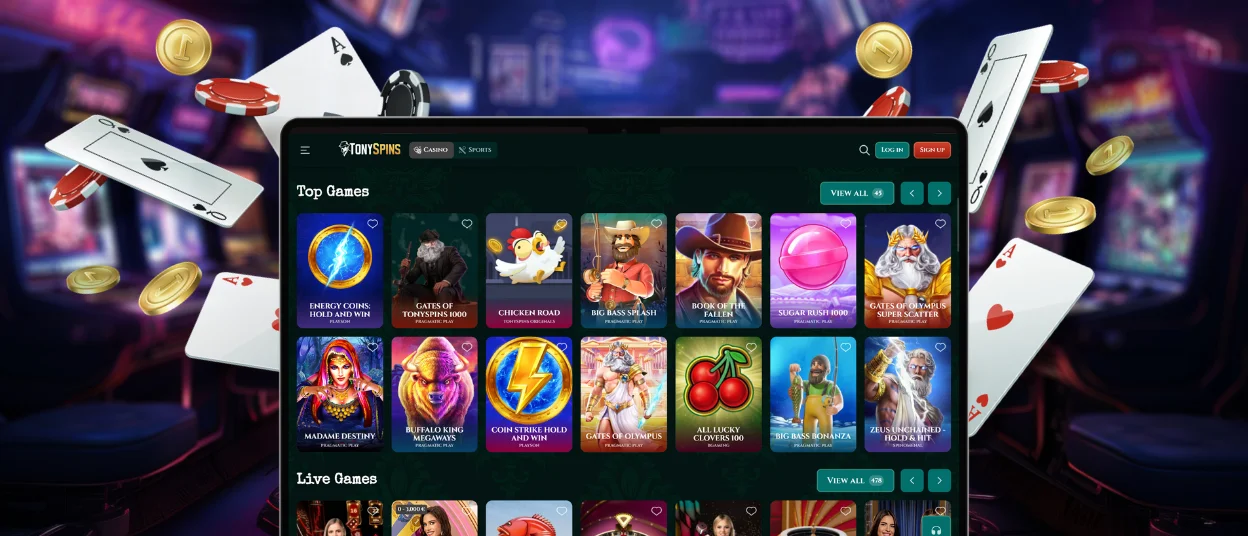
The PWA format extends to desktop computers as well. When visiting the Tony Spins website in a desktop browser, a small install icon appears in the address bar. In Chrome, it looks like a screen with a downward arrow. Clicking it and confirming installs TonySpins Casino as a standalone application that opens outside the browser, in full-screen mode, with its own taskbar or dock entry.
Desktop notifications work through the app. This means that tournament openings and bonus drops can be seen even when the browser is closed. For people who often play at live tables for long periods of time, the TonySpins desktop PWA gives those formats the screen space they need, so the gaming experience is perfect.
FAQ
Can the Tony Spins app send push notifications?
Yes, and they are configurable. After installation, notification settings can be adjusted to cover new bonus offers, tournament openings, deposit confirmations, reload reminders. If you have any questions on how to turn on notifications, ask us in the TonySpins Casino live chat.
Does removing the TonySpins app affect my account?
Removing the home screen shortcut deletes the icon only. The account, balance, bonus progress and transaction history remain completely intact. Reinstalling the app from the Tony Spins website and logging in restores full access immediately. But if you have any difficulties, write to our support team.
How can I update the TonySpins Casino app?
You don’t have to do anything. The app loads the current version of the platform automatically each time it opens. Any changes appear on the next launch without any manual download or approval required.


